
Download eDonkey – P2P File Sharing, Secure Network, Free Client
Overview
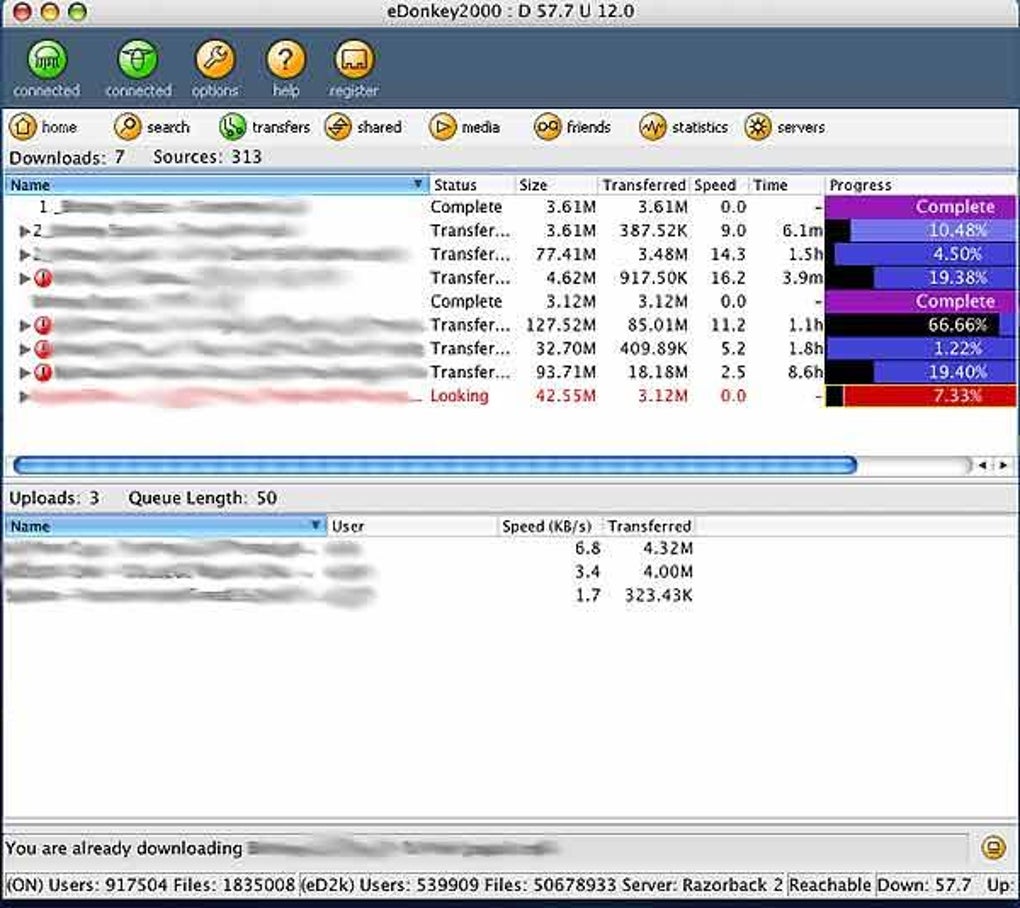
eDonkey is a classic peer‑to‑peer (P2P) client that still gives users access to one of the largest file‑sharing networks that ever existed. Although the original Overnet and eDonkey2000 services were officially shut down in 2006, the underlying protocol lives on through independent servers and community‑run nodes. The eDonkey client lets you connect to these surviving nodes, search for multimedia files, and share your own content with the global community.
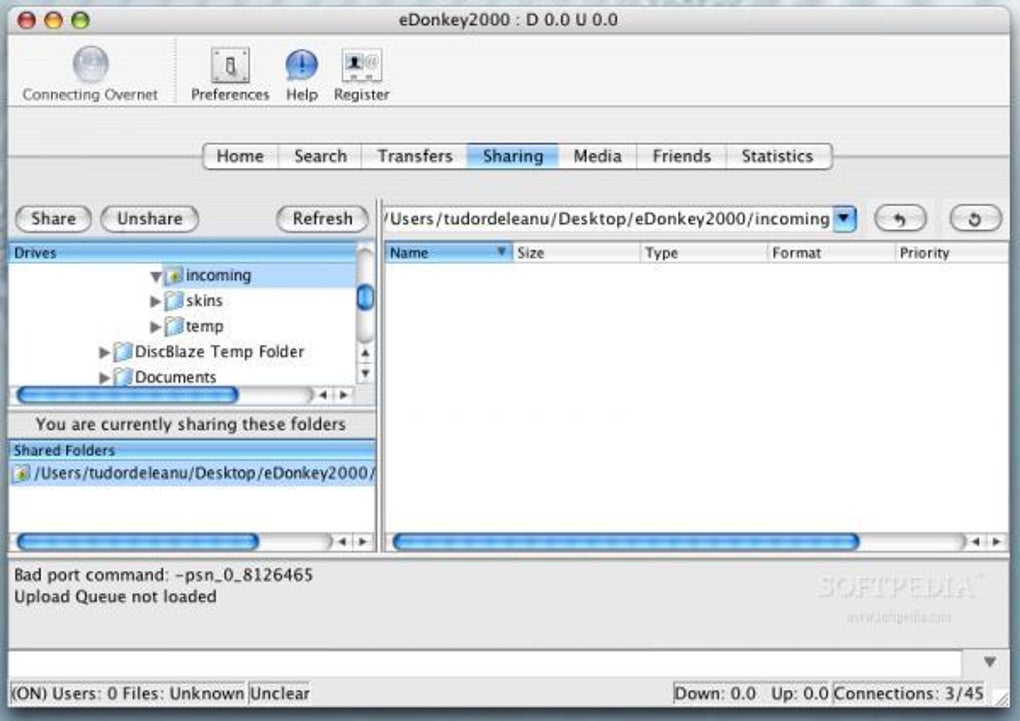
Its biggest selling point is the sheer size of the network—millions of files are indexed, ranging from high‑definition video to rare music archives. However, the software shows its age: the UI feels cluttered, preferences often require a restart, and the program can be memory‑hungry, especially on macOS machines. Despite these shortcomings, power users who value a broad catalogue of files still consider eDonkey a viable option, provided they are comfortable navigating a slightly dated interface and taking basic security precautions.
Key Features & Core Functionality
- Massive Decentralized Network: Connects to thousands of nodes that together host an extensive library of video, audio, games, and software.
- Advanced Search Engine: Allows keyword, file‑type, and size filtering to pinpoint exactly the file you need.
- Chunk‑Based Transfer: Files are broken into small pieces, enabling simultaneous downloads from multiple peers for faster throughput.
- Source Swarming: The client automatically switches to the fastest peers, optimizing bandwidth usage.
- Built‑in Queue Management: Prioritize downloads, set bandwidth limits, and schedule automatic pausing during peak hours.
- File Verification: Hash checks ensure data integrity and protect against corrupted downloads.
- Multi‑Platform Support: Available for Windows, macOS, and Linux (community builds).
- Free and Open‑Source Roots: The core client can be downloaded without any subscription fees, making it an attractive option for budget‑conscious users.
Installation, Usage & Compatibility
Step‑by‑Step Installation
1. Download the installer: Visit a trusted mirror (e.g., SourceForge or the official
project page) and download the latest version for your operating system.
2. Run the installer: On Windows, double‑click the .exe file and follow
the wizard. macOS users should open the .dmg and drag the eDonkey icon into the
Applications folder.
Linux users can extract the tarball and run the provided script.
3. Configure initial settings: The first launch prompts you to select a download
folder, set a maximum upload/download speed, and choose a preferred server list. Save the settings and
let the client restart (required for some changes).
4.
Connect to a server: From the “Servers” tab, pick a reliable node (many community lists rank servers by uptime). Click “Connect” and wait for the handshake to complete.
Everyday Usage Tips
Once connected, use the “Search” bar to type keywords or file extensions (e.g., .mp4,
.iso). The results appear in a sortable table where you can view file size, source count,
and rating. Drag a file into the “Download Queue” or right‑click and select “Add to Queue”. To keep
your system responsive, limit the number of simultaneous downloads (three to five is a safe range)
and enable “Auto‑Pause on Battery” if you’re on a laptop. Remember to periodically clean the “Shared
Files” folder; sharing large, unnecessary files can increase memory usage and expose you to legal risk.
Compatibility: eDonkey runs on Windows 7‑11 (both 32‑bit and 64‑bit), macOS 10.12 and later, and most major Linux distributions (Ubuntu, Fedora, Debian). The macOS version is known to consume more RAM, so users on older Macs should allocate at least 2 GB of free memory to avoid slowdowns.
Pros, Cons & Expert Review
Pros
- Access to one of the world’s largest P2P libraries.
- Free to download and use, with no hidden subscription fees.
- Robust chunk‑based transfer system that maximizes download speed.
- Cross‑platform support for Windows, macOS, and Linux.
- Built‑in file verification protects against corrupted data.
Cons
- Outdated, cluttered user interface that can overwhelm newcomers.
- Preferences often require a client restart to take effect.
- High memory consumption on macOS, potentially affecting other applications.
- Reliance on community‑run servers, which can be unstable or shut down without notice.
- Lack of modern security features such as built‑in encryption or VPN integration.
Final Verdict: eDonkey remains a powerful tool for users who need deep access to a historic P2P ecosystem. Its massive network and free cost are compelling, but the software’s age shows in its UI and resource usage. If you’re comfortable tweaking settings, using a lightweight VPN, and can tolerate occasional server downtime, eDonkey can still serve as a reliable download‑partner. For newer users seeking a polished experience, modern alternatives may be more appropriate.
Frequently Asked Questions
Is eDonkey still safe to use in 2025?
The core client itself is safe, but because it connects to public servers, you should use a reputable VPN and avoid downloading copyrighted material. Community‑run servers may lack the security updates found in modern apps.
Can I run eDonkey on a Mac with limited RAM?
eDonkey can be memory‑intensive on macOS. For smooth operation, allocate at least 2 GB of free RAM and limit simultaneous downloads to three or fewer. Closing other heavyweight apps also helps.
Do I need to restart the client after changing settings?
Yes, many preference changes (especially network and bandwidth limits) only take effect after a restart. The client will prompt you when a restart is required.
How do I find reliable eDonkey servers?
Visit community forums or dedicated server‑listing sites. Look for servers with high uptime percentages, low latency, and active user counts. Adding multiple servers to your list improves redundancy.
Is there a mobile version of eDonkey?
No official Android or iOS client exists. Some third‑party apps claim compatibility, but they are not endorsed by the eDonkey project and may pose security risks.
Conclusion & Call to Action
eDonkey stands as a testament to the early days of peer‑to‑peer sharing, offering a still‑impressive library of files across a decentralized network. While its interface and resource demands feel dated, the client remains functional for users who value breadth over polish. If you’re ready to explore a historic P2P ecosystem and are comfortable managing security settings, download eDonkey today and join the community of power users who keep the network alive.
Click here to download the latest eDonkey client for Windows, macOS, or Linux. Remember to pair it with a trustworthy VPN and keep your system updated for the safest experience.







